The String.Join method takes two parameters: a separator and an array of strings. It returns a new string that concatenates the elements of the array using the separator. The correct syntax is String.Join(separator, array). Therefore, option B is the correct answer.
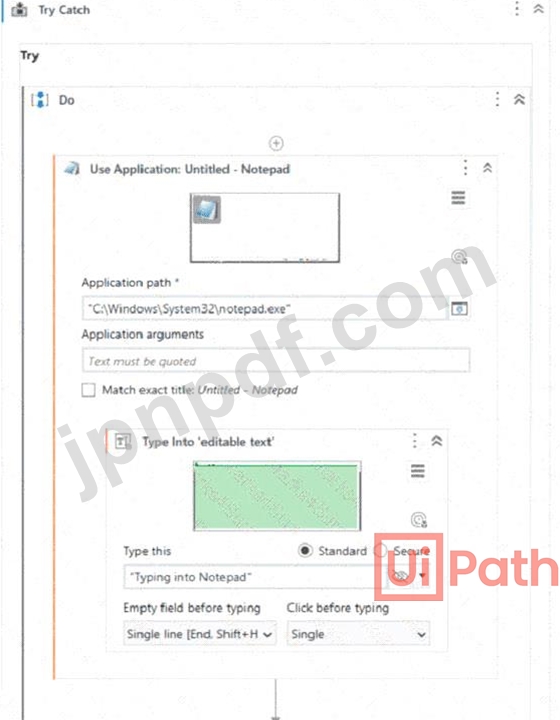
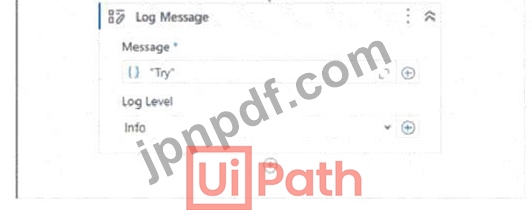
Based on the image you sent, the automation process consists of four steps: opening Notepad.exe, typing some text, saving the file, and closing Notepad.exe. Each step has a Log Message activity that writes a text value to the Output panel. If Notepad.exe is not running, the first step will fail and throw an exception. The exception type is SelectorNotFoundException, because the Open Application activity cannot find the selector for Notepad.exe1. Therefore, the Log Message text value that is contained in the Output panel is "SelectorNotFoundException", which is option D.
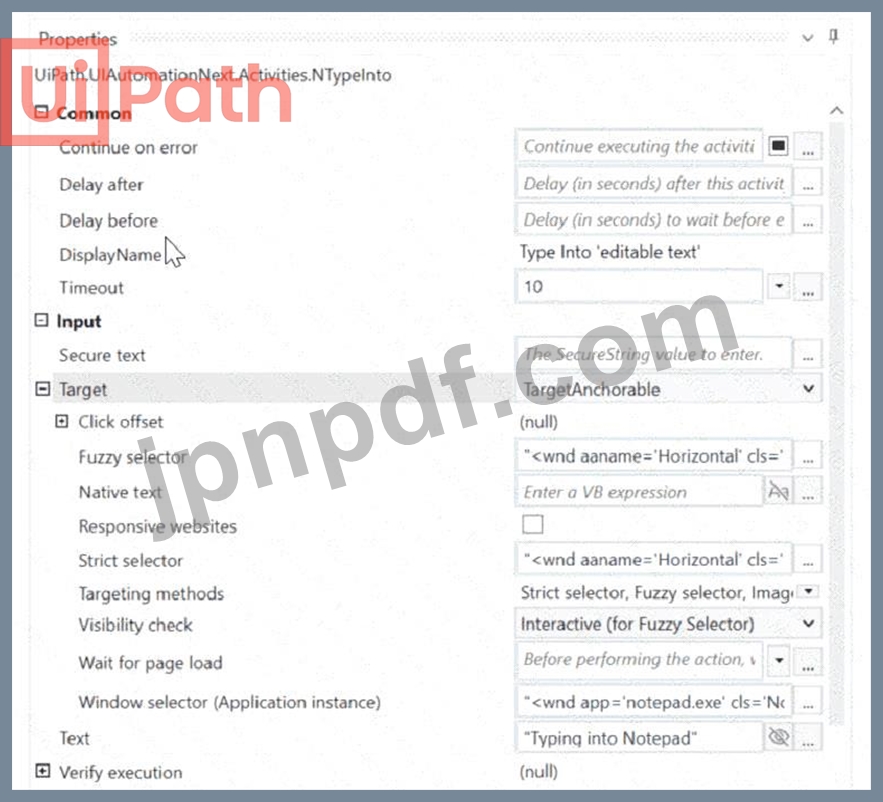
* Strict selectors contain fixed attributes that define a UI element. These attributes can be edited or optimized for better resilience. * The best way to view the complete list of attributes of a UI element is by using UI Explorer. Why is A Correct? # "Open in UI Explorer": * This option provides access to all attributes of a UI element. * Developers can modify, optimize, and make selectors more reliable. * UI Explorer allows viewing multiple layers of selectors (strict & fuzzy).
In the Invoked Workflow's Arguments window, the Value can be configured for each argument as follows: * In: Variable or Hard-coded value. An In argument is an argument that passes a value from the parent workflow to the child workflow. The Value of an In argument can be configured with a variable that holds the value to be passed, or a hard-coded value that is directly entered in the Value field3. For example, if the In argument is Name and the value to be passed is "John", the Value can be configured with a variable that contains "John", such as strName, or a hard-coded value, such as "John". * Out: Variable only. An Out argument is an argument that passes a value from the child workflow to the parent workflow. The Value of an Out argument can be configured only with a variable that receives the value from the child workflow4. For example, if the Out argument is Result and the value to be passed is the sum of two numbers, the Value can be configured only with a variable that stores the sum, such as intResult. * In/Out: Variable only. An In/Out argument is an argument that passes a value from the parent workflow to the child workflow, and then passes the modified value back to the parent workflow. The Value of an In/Out argument can be configured only with a variable that holds the initial value and receives the modified value5. For example, if the In/Out argument is Counter and the value to be passed is a number that is incremented by one in the child workflow, the Value can be configured only with a variable that contains the initial number and stores the incremented number, such as intCounter.
UiPath-ADAv1-JPN 試験問題 60
開発者が、UiPath Studio から Orchestrator フィードに新しいライブラリを公開しました。チームの別の開発者は、ライブラリが公開されているのと同じ Orchestrator に接続しています。 このライブラリを依存関係としてプロジェクトに追加するにはどのような手順が必要ですか?
正解: D
This is the correct way to add a library that has been published to the Orchestrator feed as a dependency in a project. The Manage Packages Window allows the developer to browse, install, update, or remove packages from various sources, such as the Orchestrator feed, the Official feed, or the Local feed. The Orchestrator feed is the default location where libraries are published from Studio, and it can be enabled or disabled by clicking on the Settings button in the Manage Packages Window. The Search bar allows the developer to find the desired package by name, version, or description. The Install button allows the developer to add the package as a dependency to the project. The other options are incorrect because they do not use the Orchestrator feed, or they do not use the correct activity to invoke the library. References: About Libraries, Managing Dependencies, Publishing a Library, Invoking a Workflow